Soundbars are a great way to get started in the world of surround sound, especially if you don’t want to invest in a full blown system that takes up space and requires more skill and expertise to setup. Our focus today will be on wireless soundbars, which don’t require additional speaker wiring and are the easiest to integrate with your Smart TV.
Let’s start with the basic anatomy of a soundbar. You may have heard the term drivers and tweeters. These are audio components that handle certain audio frequencies - tweeters are for high frequency, mid range/full range drivers are for vocals and woofers are for low frequencies. Each of these drivers are controlled by an audio signal. In order to power the distribution of these audio signals, soundbars utilize an amplifier. All these audio signals are what form “multi channel audio.” The effectiveness of a soundbar is based on the configuration, design and size of these components.
The key takeaway from this is that a good soundbar enhances audio without losing accuracy and maintains dialogue clarity. If it can do that, then it’s achieved its basic function.
Now that you know the basics, here’s a few more things to consider when selecting the right soundbar:
Connection
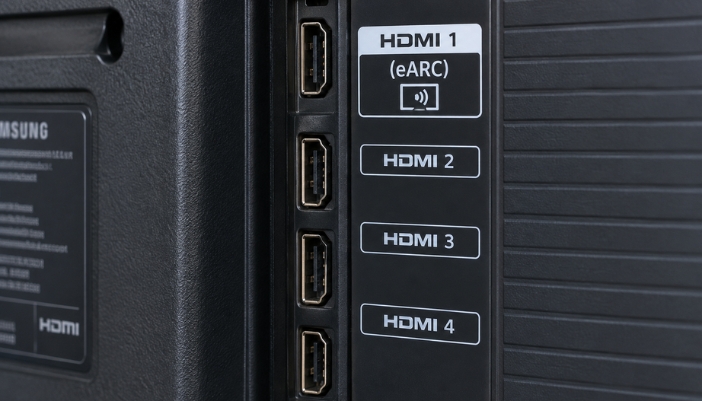
In order to transmit audio effectively, you need a good connection to your audio source. Ideally, you would get a soundbar with a direct physical connection to your audio source, not something that bluetooths to your TV. Look for one that uses an HDMI eARC connection, which stands for enhanced audio return channel; this is not to be confused with its predecessor the HDMI ARC, which can only handle compressed audio formats such as Dolby Digital. The eARC connection allows for transmission of higher bandwidth audio formats like Dolby Atmos and DTS:X. However, not all TVs support the eARC connection, especially if you have an older model. If you don’t want to upgrade your TV, you’ll have to stick with a soundbar that uses regular HDMI.
Compatibility
Don’t waste your money on a soundbar that isn’t compatible with existing equipment, unless you have plans to upgrade. This may mean sticking with a brand you already have. Samsung makes some great soundbars and sound systems that are designed to work in tandem with your Samsung TV. Sonos also has some great options that work with pretty much all the TV brands.
Control
Some soundbars, such as the Sonos series, do not come with a physical remote. Sonos soundbars are all app controlled. If your TV is HDMI CEC capable, your TV remote will control the power and volume on your soundbar, so having a separate soundbar remote isn’t always needed unless you need to change audio modes. A universal remote is a great option if you have multiple components and want to simplify your system.
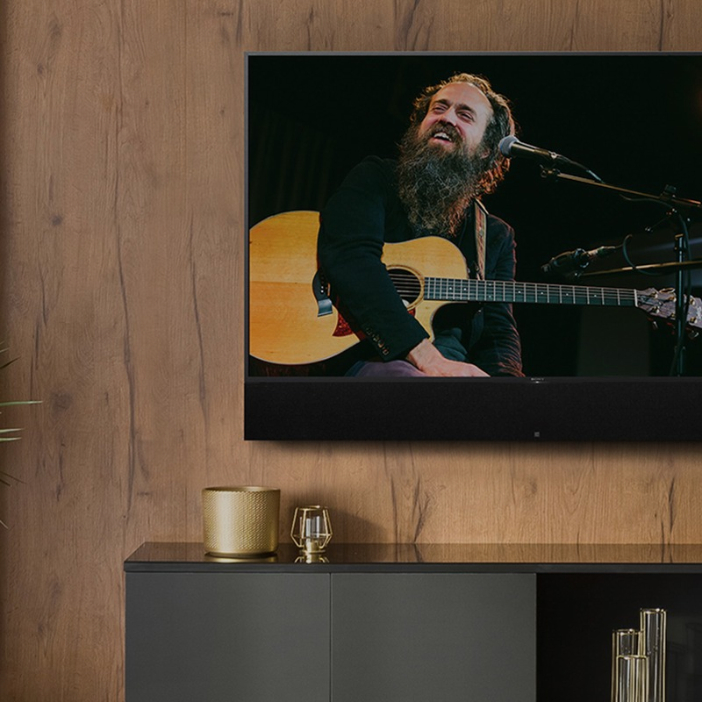
Leon Speakers Tone Case Custom Fit Speaker Grill
Size & Aesthetic
The final aspect to consider is the actual physical appearance and size of the soundbar. Depending on what kind of space you are putting your soundbar in, you may want something low profile or something that fits the width of your TV. Manufacturers such as James Loudspeakers and Leon Speakers provide the option to order a custom sized soundbar or a soundbar case.
Here Are a Few Soundbars We Recommend
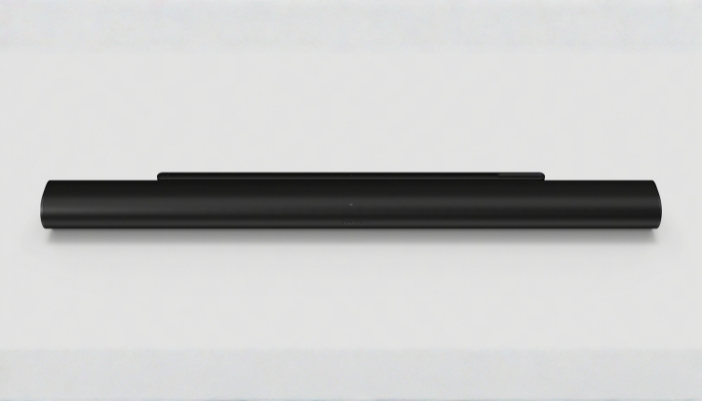
The Sonos Arc Ultra
One of our top sellers, this wireless soundbar contains a robust system of 14 drivers and harnesses advanced Sound Motion technology. This technology fine-tuned and drastically reduced the size of transducers to allow for bigger, better sound without having to increase the size of the product. The Ultra delivers an impressive 9.1.4 surround sound experience and also provides advanced speech enhancement for even better dialogue clarity. It is AirPlay compatible and allows users to stream music and more from all your favorite services using WiFi and Bluetooth.
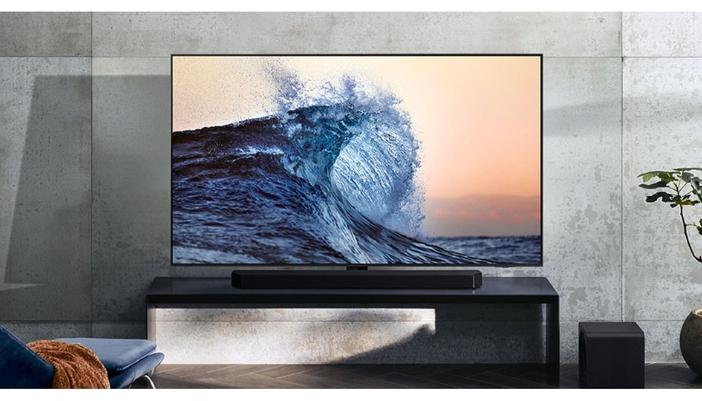
The Samsung HW-Q800H Soundbar & Subwoofer Set
This soundbar provides an immersive sound experience powered by 5.1.2 channels of sound, including side- and top-firing speakers and an 8-inch passive radiator subwoofer for deep and rich bass. If you’ve got a Samsung TV, it will sync with the soundbar for an even more enhanced audio experience. Utilizing special sensors, this soundbar calibrates itself by analyzing the room and adjusting the audio to fit the space.
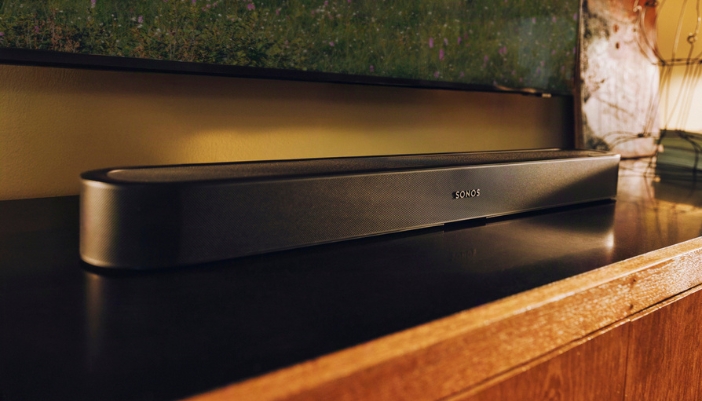
The Sonos Beam Ultra
A great soundbar option for TVs smaller than 65”, the Beam Ultra provides a 7.1.2 surround sound experience. As the more advanced version of the Beam, the Beam Ultra contains 4 more drivers and upward firing speakers for an enhanced listening experience. Like the Arc Ultra, it is AirPlay compatible and users can utilize Bluetooth to stream music.